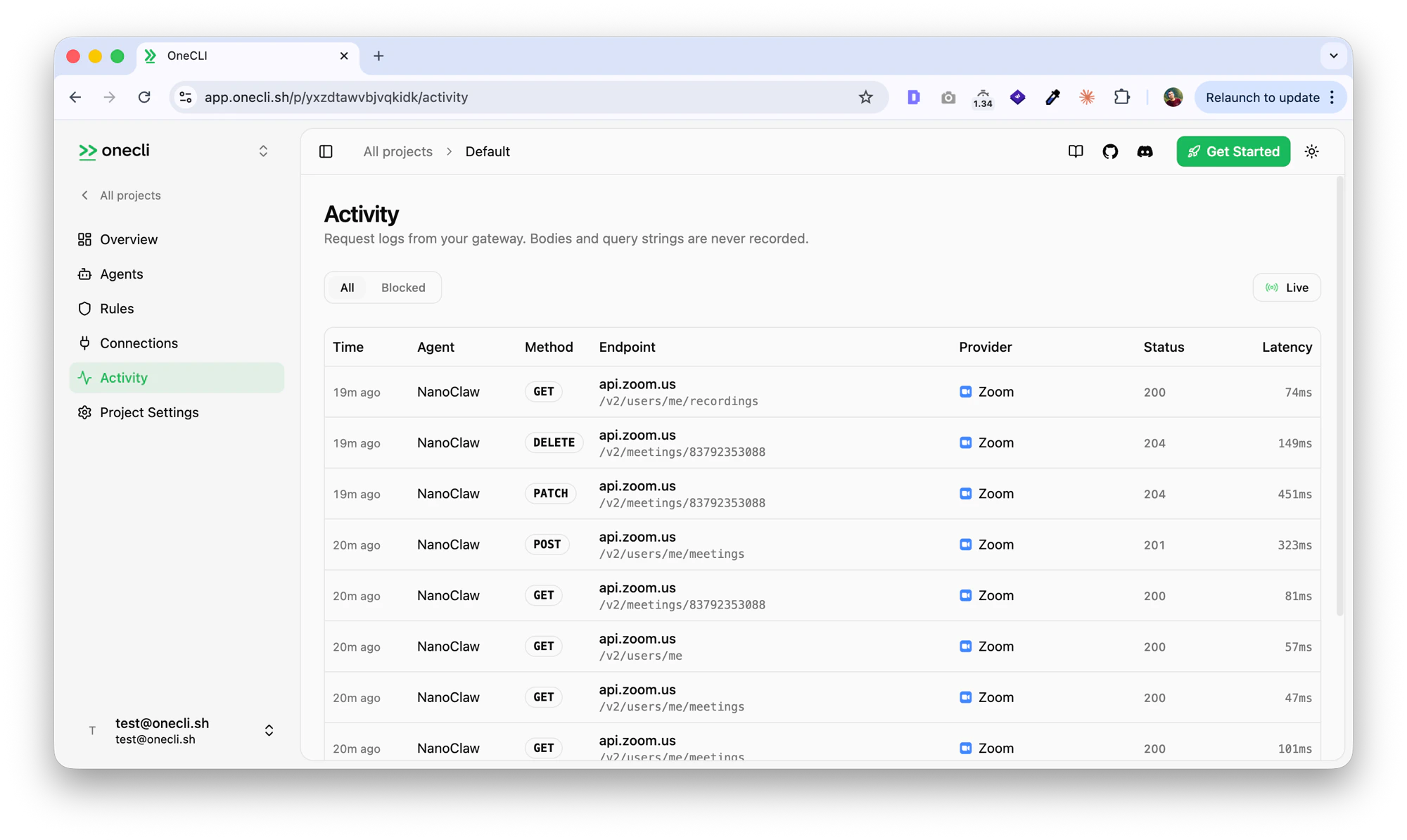
OneCLI connects AI agents to Zoom through Zoom’s OAuth flow. Agents can list and manage meetings, access cloud recordings, and view user profile information. The gateway injects OAuth credentials into requests to the Zoom API automatically.This is useful for scheduling agents, meeting summarizers, or any agent that needs to interact with your Zoom account.
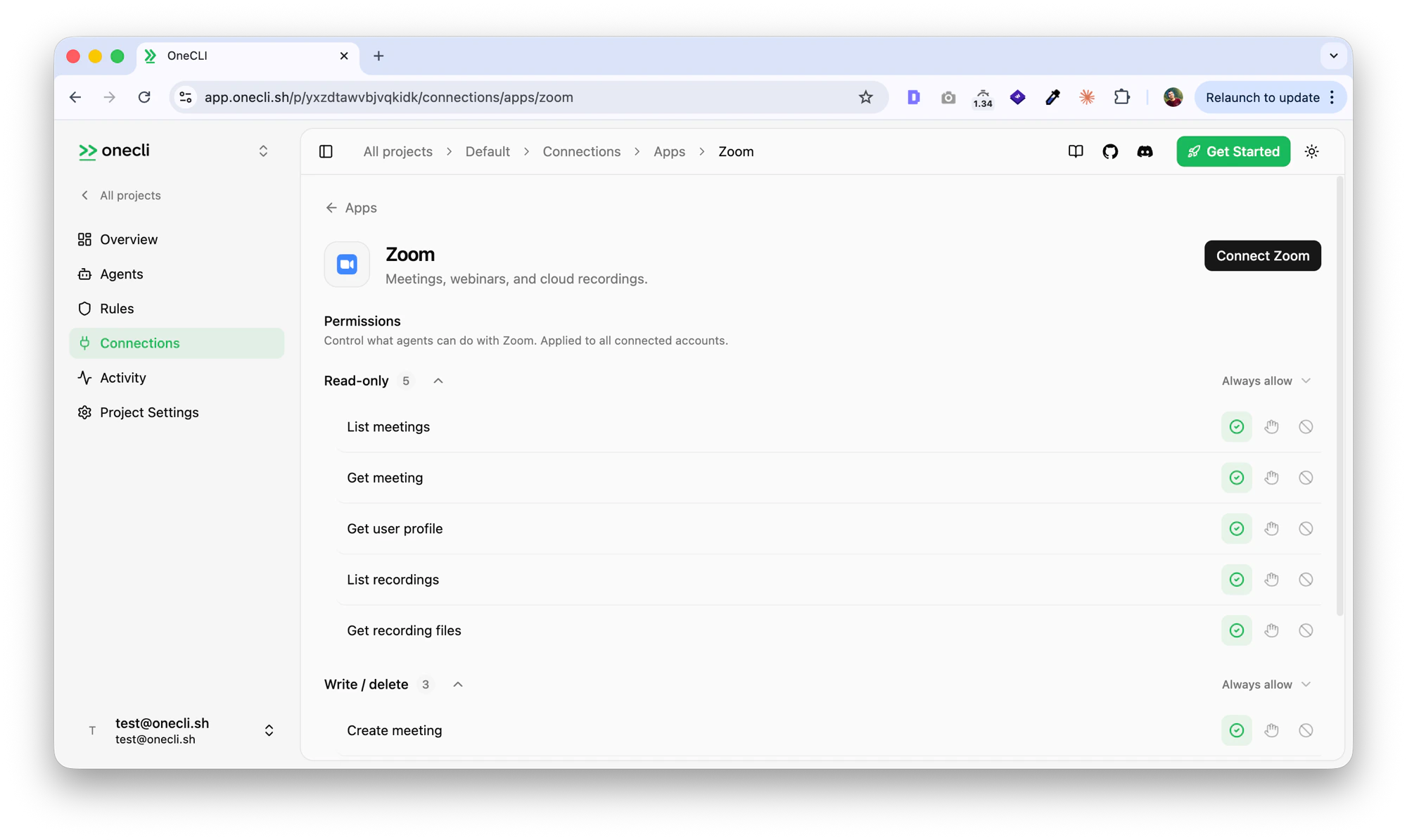
Open the OneCLI dashboard and navigate to Connections > Zoom.
Zoom connection page with permissions
2
Authorize
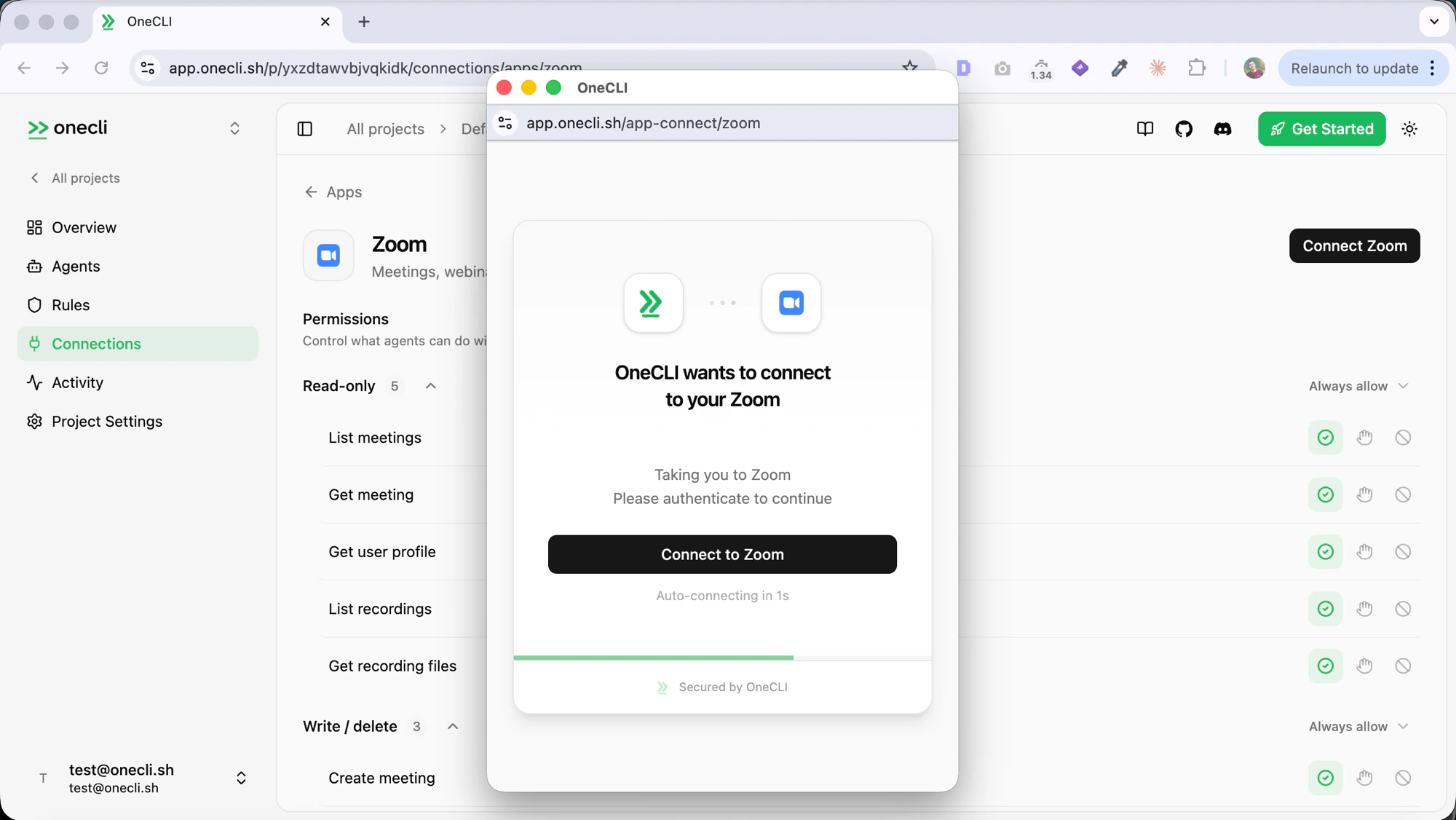
Click Connect Zoom. You’ll be redirected to Zoom to authorize OneCLI. Review the requested permissions and click Allow.
OAuth authorization popup
OneCLI requests read access to your meetings, recordings, and profile by default. Write access (create, update, delete meetings) is optional and only requested if your agent needs meeting management capabilities.
3
Verify
After authorization, you’ll be redirected back to the OneCLI dashboard. The Zoom connection will show as Connected with your Zoom email address.
Access is per agent: grant the connection to each agent that needs it, choosing per tool what runs freely, what needs human approval, and what stays blocked — a read-only agent is a single grant. Organization rules add guardrails on top, like rate limits and blanket blocks. Everything is checked before credential injection, so a blocked request never reaches the Zoom API.
Open the OneCLI dashboard, navigate to Connections > Zoom, and click Disconnect. This revokes the stored OAuth token and removes the connection from your OneCLI account.
2
Revoke from Zoom (optional)
To fully revoke access, go to the Zoom App Marketplace > Manage > Installed Apps, find OneCLI, and click Uninstall. This ensures OneCLI can no longer access your Zoom account even if you reconnect later without re-authorizing.
OneCLI only stores your OAuth tokens (encrypted with AES-256) and basic profile metadata (name and email) used to display the connection status. No meeting content, recording data, or personal information is stored.
Do I need a paid Zoom account?
No. The integration works with Free, Pro, and Business Zoom accounts. Some features like cloud recordings may require a Zoom plan that supports them.
Can I limit what agents are allowed to do?
Yes. Grant the Zoom connection per agent with per-tool access — for example, allow reading meetings while blocking create and delete. Organization rules can add guardrails on top.
What happens if my Zoom token expires?
OneCLI automatically refreshes expired tokens using the stored refresh token. No action is needed on your part. If a refresh fails, disconnect and reconnect Zoom from the dashboard.
Will disconnecting OneCLI affect my Zoom account?
No. Disconnecting only removes the OAuth tokens stored in OneCLI. Your Zoom meetings, recordings, and account settings are not modified or deleted.