

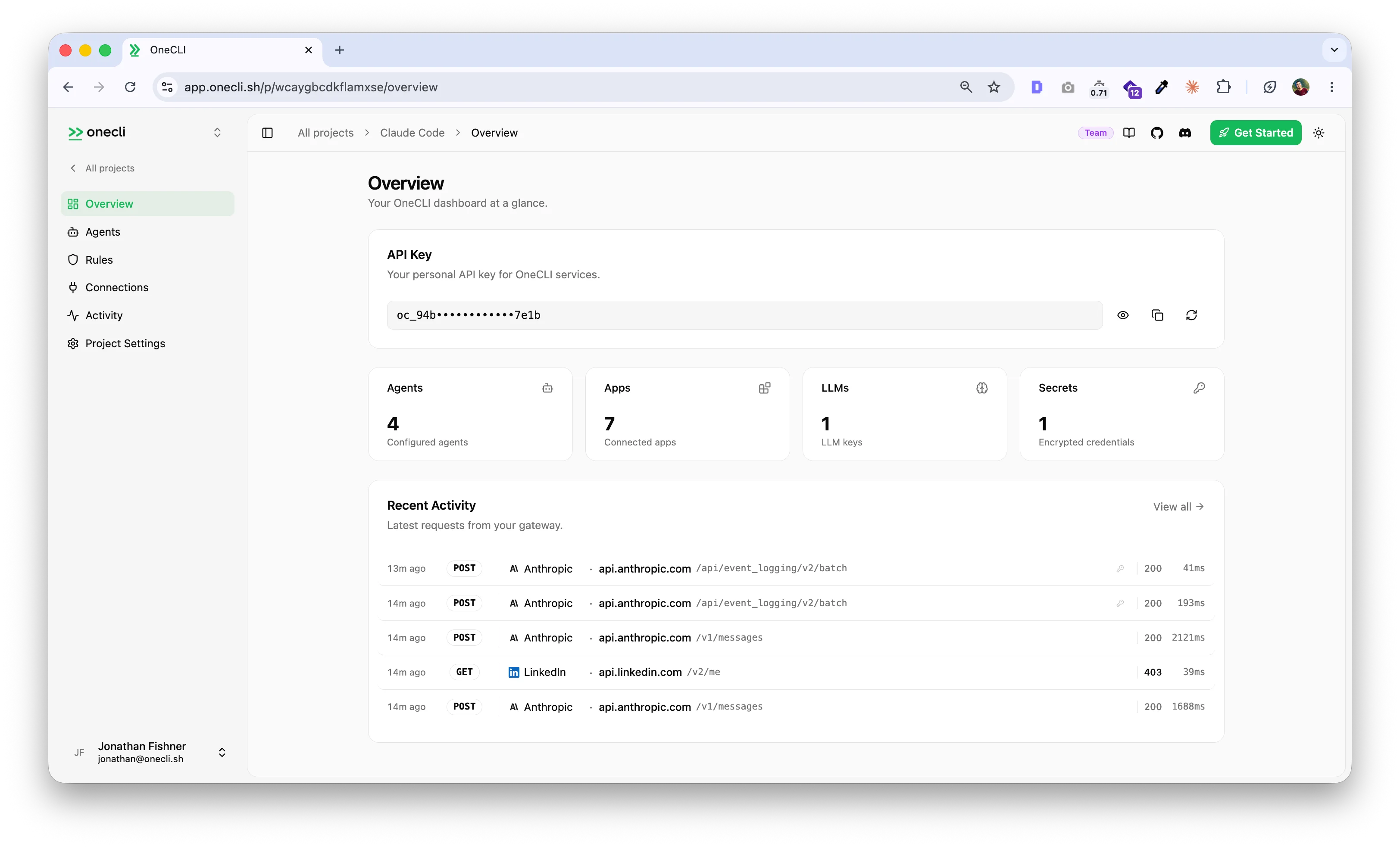
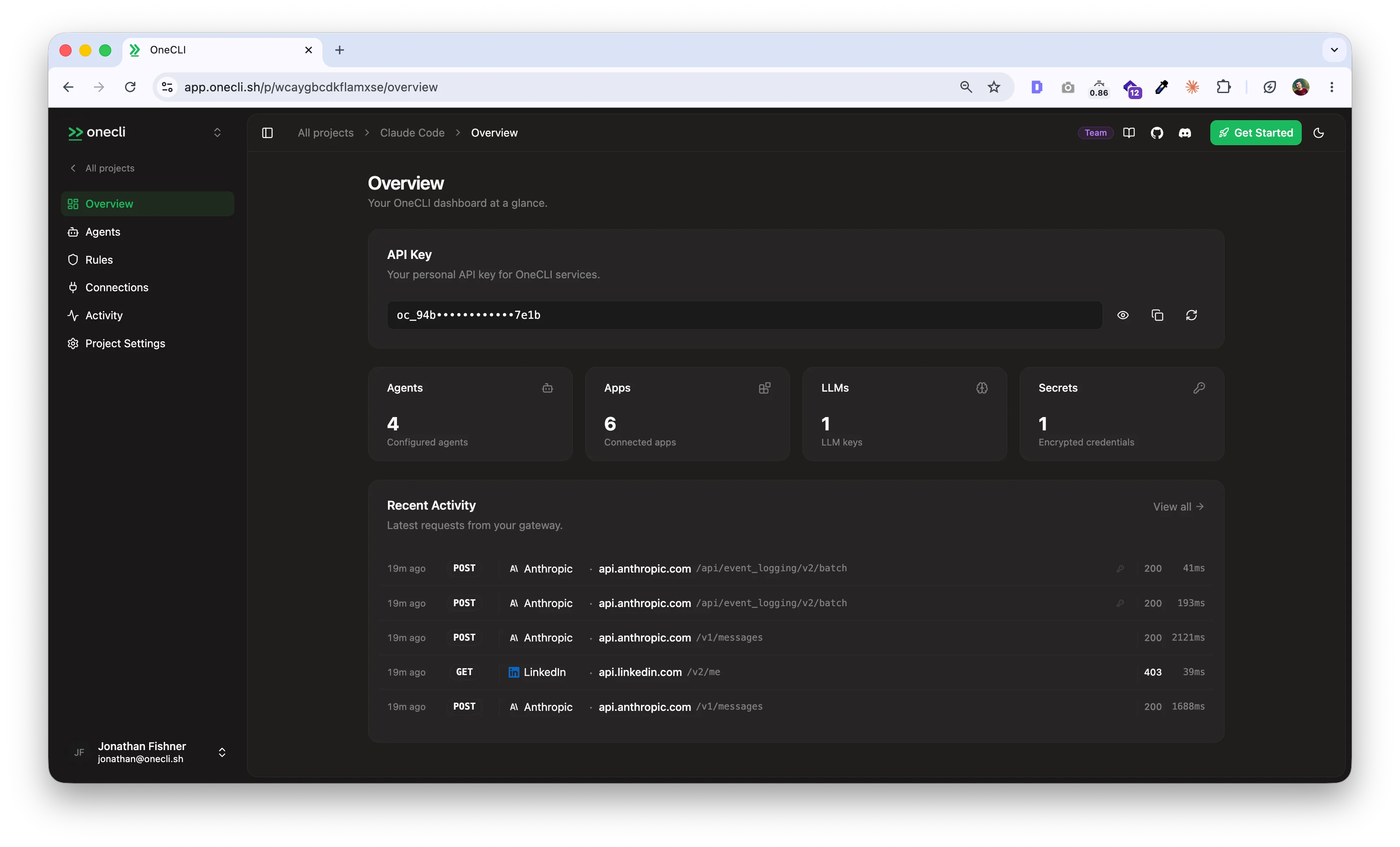
Built for teams
- Your identity provider, integrated: provision agents on behalf of each employee’s identity, straight from the company IdP.
- An agent per person: everyone in the workspace gets their own sandboxed agent, reachable from the dashboard or Slack.
- One policy, enforced everywhere: manage the team policy in one place, enforced on every agent in the workspace.
- Deterministic human-in-the-loop approvals: in the chat itself, for actions you need 100% control over, like sending the email or emptying an S3 bucket.
- Global connections: shared at the team level, like LLM keys or service accounts, granted per agent without ever being handed to one.
The agent
An agent is a durable thing, not a single prompt. It has:- A computer: its own isolated sandbox, with a filesystem and a shell. The only way out is the gateway, so it reaches what you granted and nothing else.
- A conversation: its own page in the dashboard, or Slack. Images and files included.
- Memory: what the agent learns is kept by the platform. You can read and edit it any time.
- Skills: instructions and helpers you write once, always available to the agent.
- A schedule: the agent can plan future work, and the platform wakes it at the right time.
- Credentials it never sees: the gateway injects only the access you granted, on every request. Or connect Bitwarden or 1Password for on-demand injection.
- Its own Slack app: connect it once and it answers in channels and DMs under its own name and avatar.
Get started
Quickstart
Cloud-hosted at onecli.sh, or self-host with one command.
How it works
The architecture: dashboard, API, gateway, runner, sandbox.
Self-hosting
Run the whole stack yourself with Docker Compose.
Integrations
Connect Google, GitHub, Slack, AWS, and 40+ more.