

Cloud-hosted
1
Sign up
Go to onecli.sh and create your organization. A workspace is created for you automatically.
2
Create an agent
From the dashboard, create an agent. It gets its own sandbox, conversation page, memory, and skills.
3
Grant a model key and connections
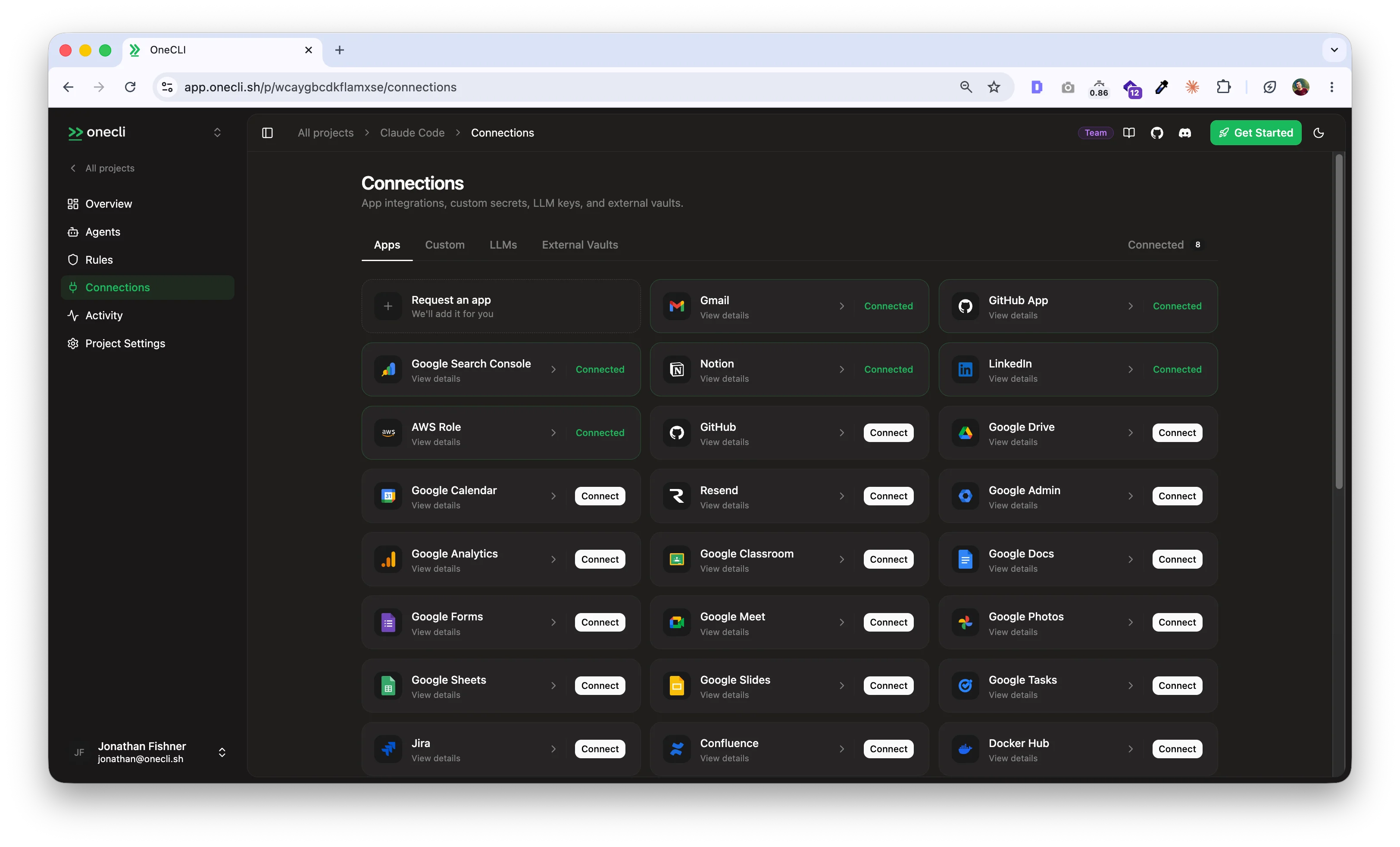
Store an LLM key (or use a shared organization connection), then grant it to the agent. The order matters: a sandbox will not start without a granted model key. Connect any services the agent should reach (Google, GitHub, Slack, AWS, and more) and grant those too. See Agent access.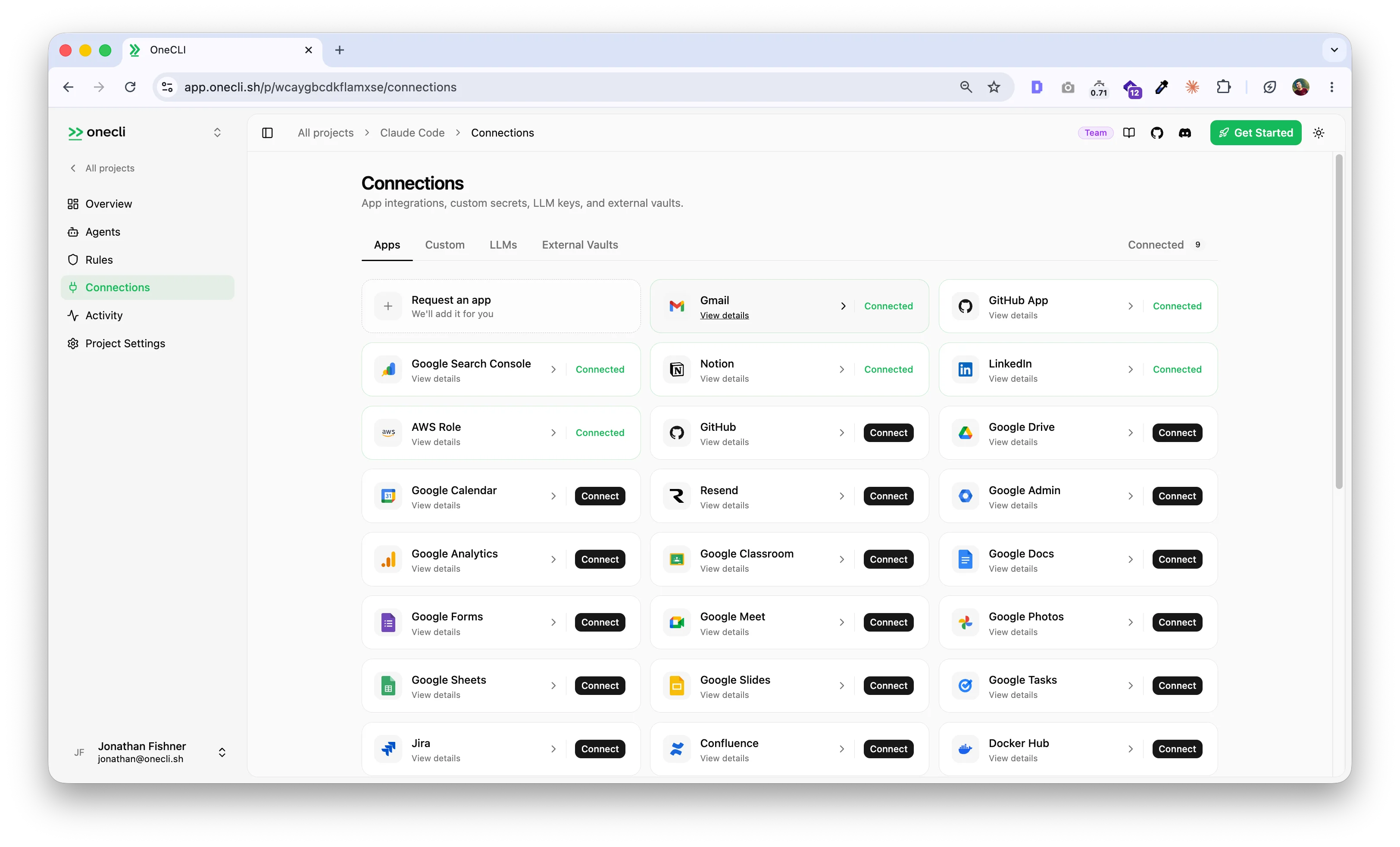
4
Start talking
Chat with the agent from its dashboard page, or attach it to Slack so it answers in channels and DMs under its own name. Actions you flagged for approval show up as cards with Approve and Deny buttons, in the chat itself.
Self-hosted
Connect your own agent
Already running Claude Code, Cursor, or Codex? Route it through the gateway so it gets injected credentials without ever holding keys. The Install page in the dashboard generates this as a single copy-paste command, or run the steps yourself:claude with cursor, codex, or any command. See the Coding Agents guide, or the Node.js SDK for Docker-based agents.
Next steps
Agent access
Grant each agent exactly the connections and secrets it needs.
Integrations
Browse 40+ supported services and connect them from the dashboard.
How it works
Architecture: gateway, runner, sandbox, and how the pieces fit together.
Self-hosting
Compose stack, version pinning, configuration, and upgrades.
Troubleshooting
The agent says it has no model key
The agent says it has no model key
Store the LLM key, then grant it to the agent from the key’s Agent access dialog. A sandbox will not start without a granted model key.
OAuth redirect goes to the wrong URL (self-hosted / remote setups)
OAuth redirect goes to the wrong URL (self-hosted / remote setups)
If you’re accessing a self-hosted OneCLI through an SSH tunnel, reverse proxy, or on a remote server, OAuth callbacks may redirect to an unreachable address.Set For SSH tunnel setups, forwarding to the same local port avoids this entirely:
NEXT_PUBLIC_APP_URL to the URL you actually use in your browser:Docker stack won't start (self-hosted)
Docker stack won't start (self-hosted)
Make sure Docker is running and ports 10254/10255 are available. On every
docker compose up, a one-shot migrations service applies pending database migrations before the API starts. If a migration fails, the stack refuses to start. Check docker compose logs migrations.