One agent per employee,
one workspace for the company.
Every employee gets their own agent, with memory, tools, and scheduled tasks. Your team manages agents and shared connections in one workspace.
Illustrative workspace
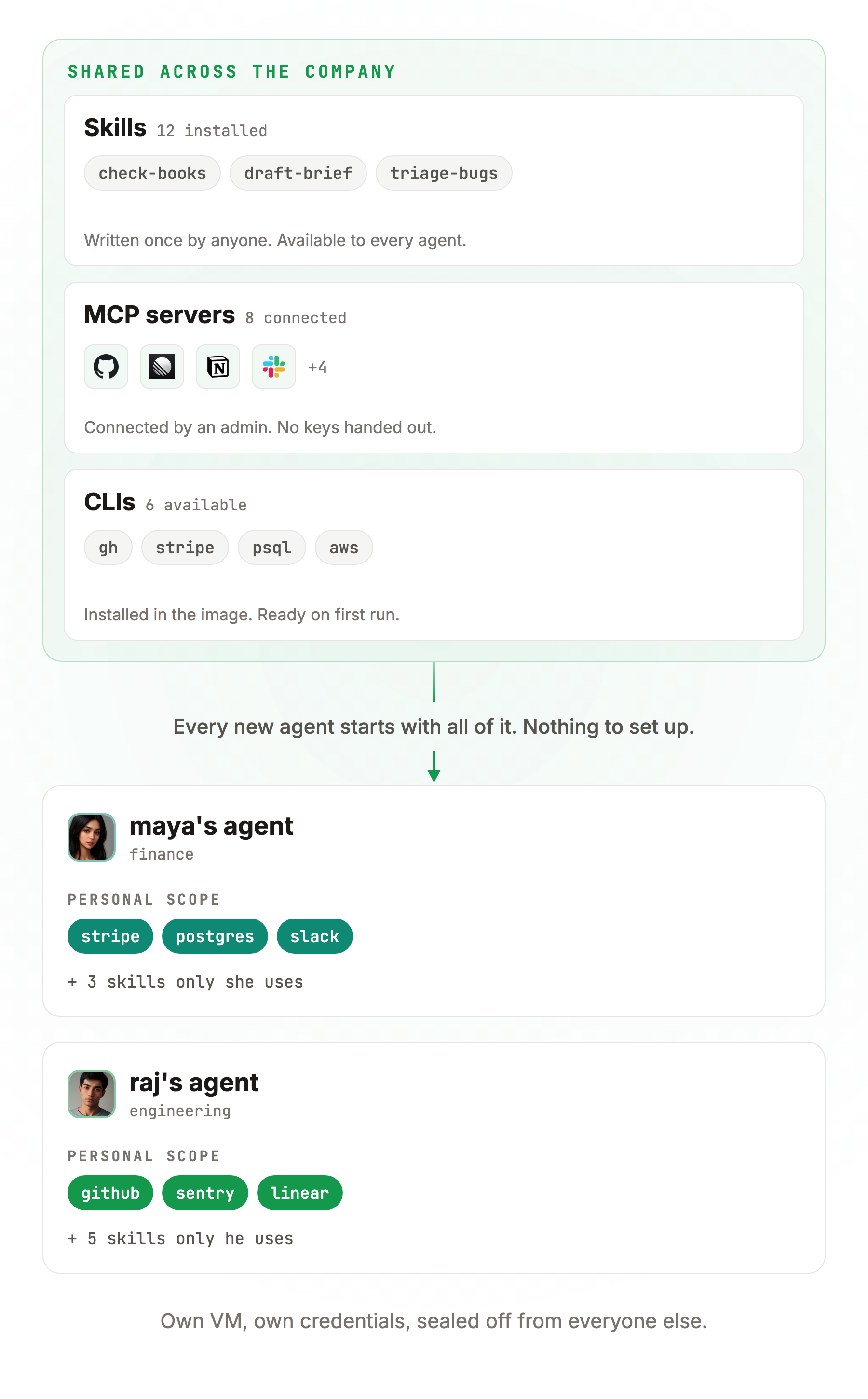
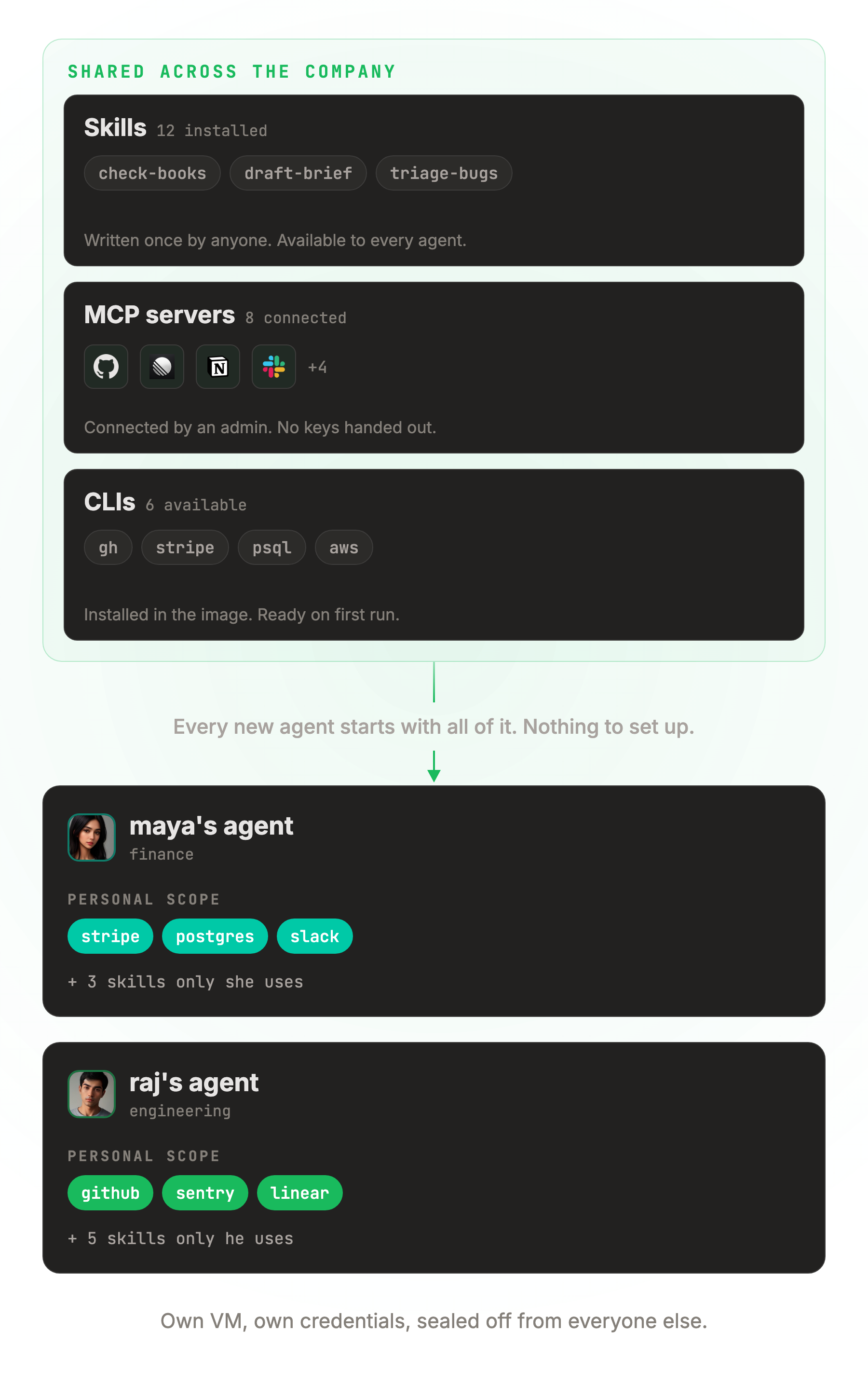
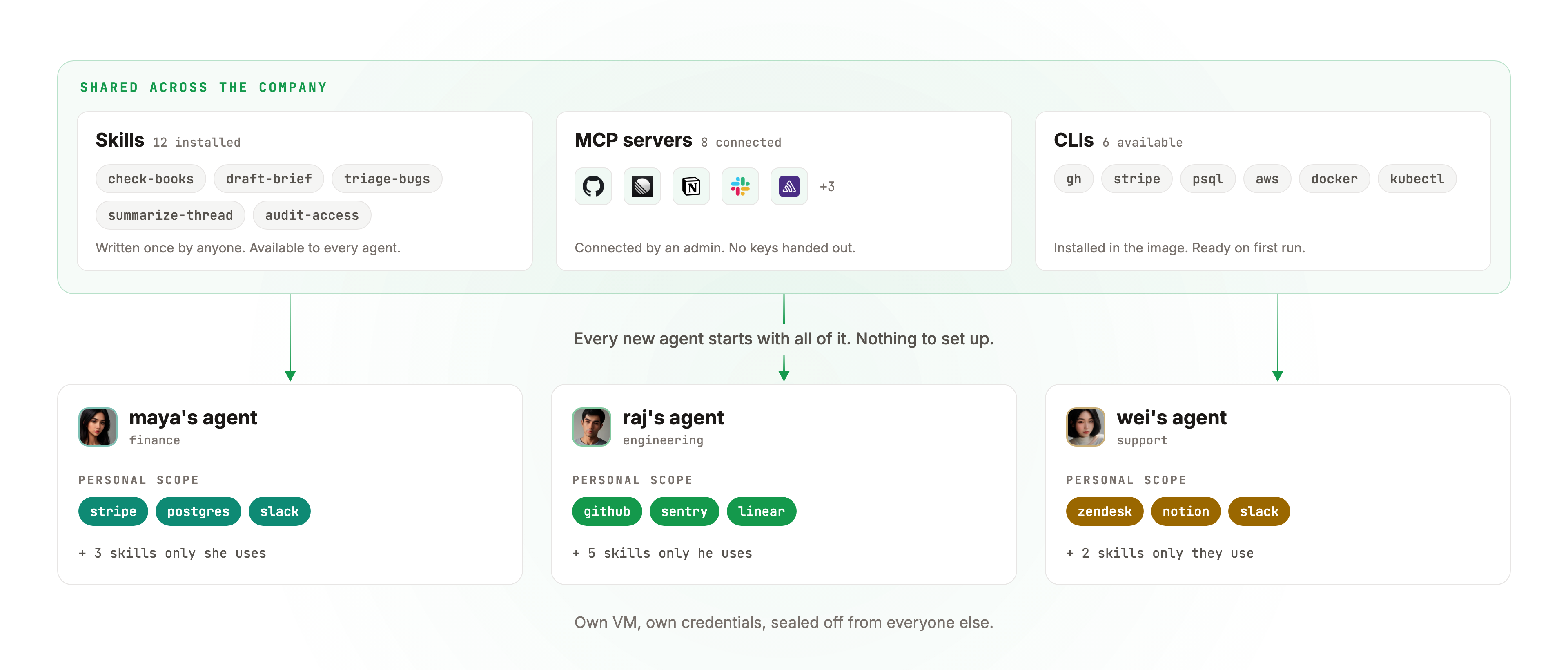
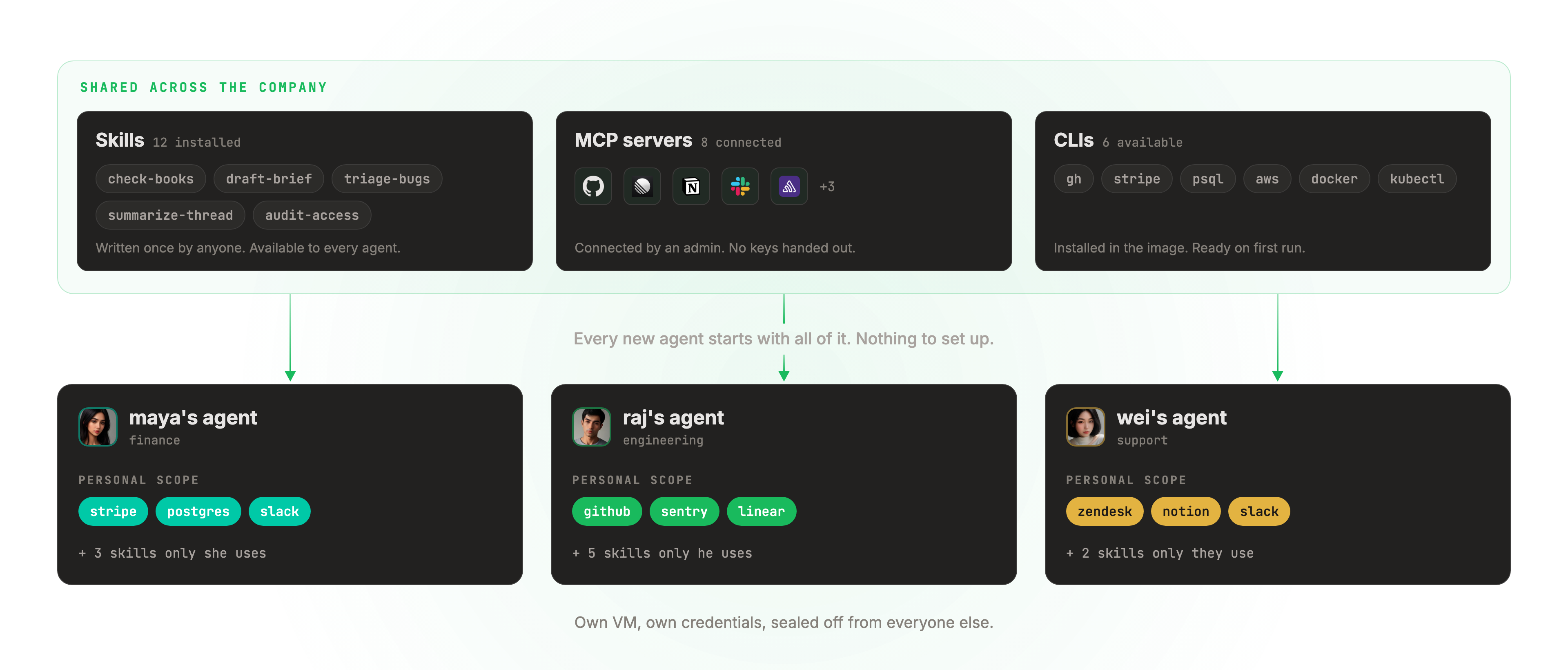
Set up the team. Not every agent.
Share tools and skills across the workspace. Each employee gets their own agent, conversation, and memory.
Illustrative workflow
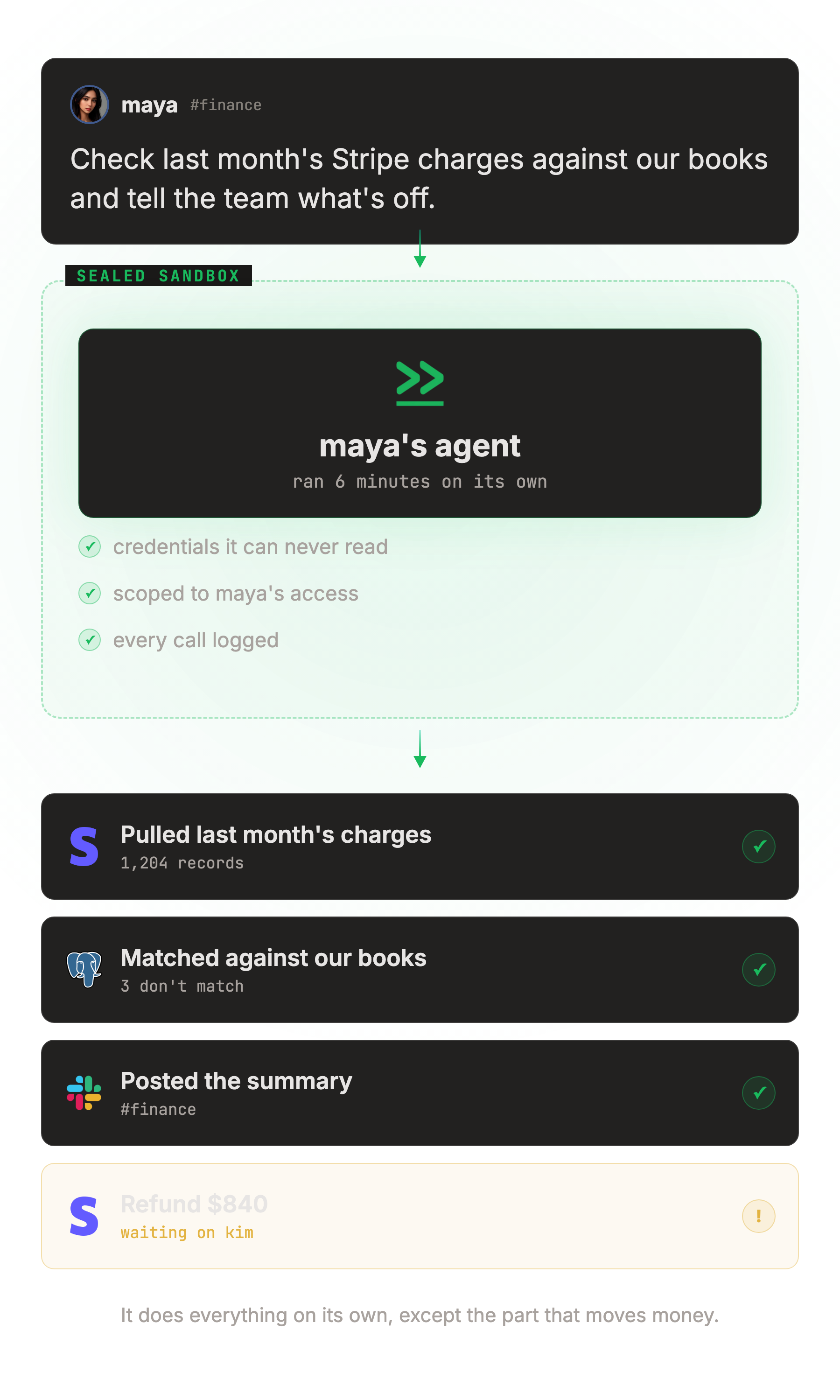
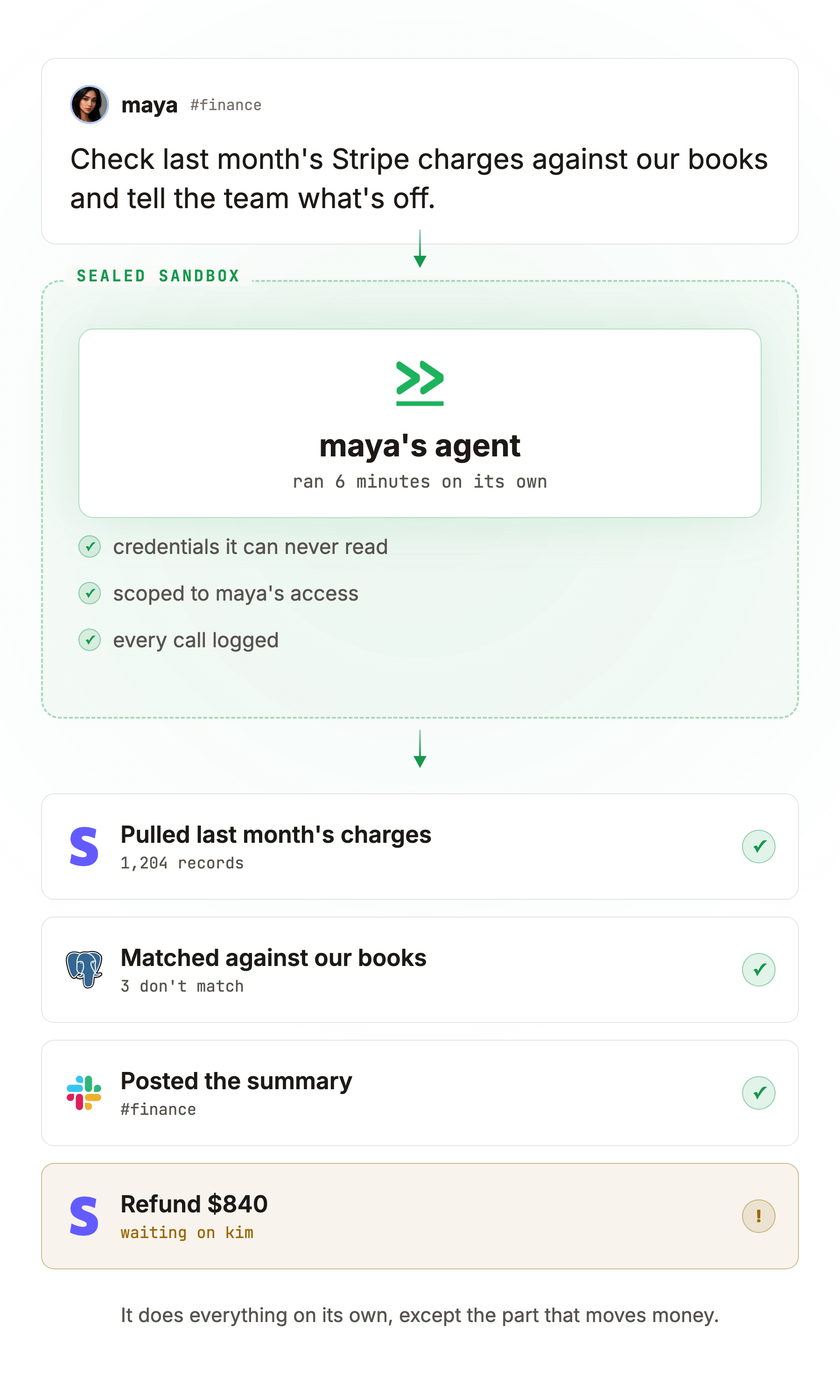
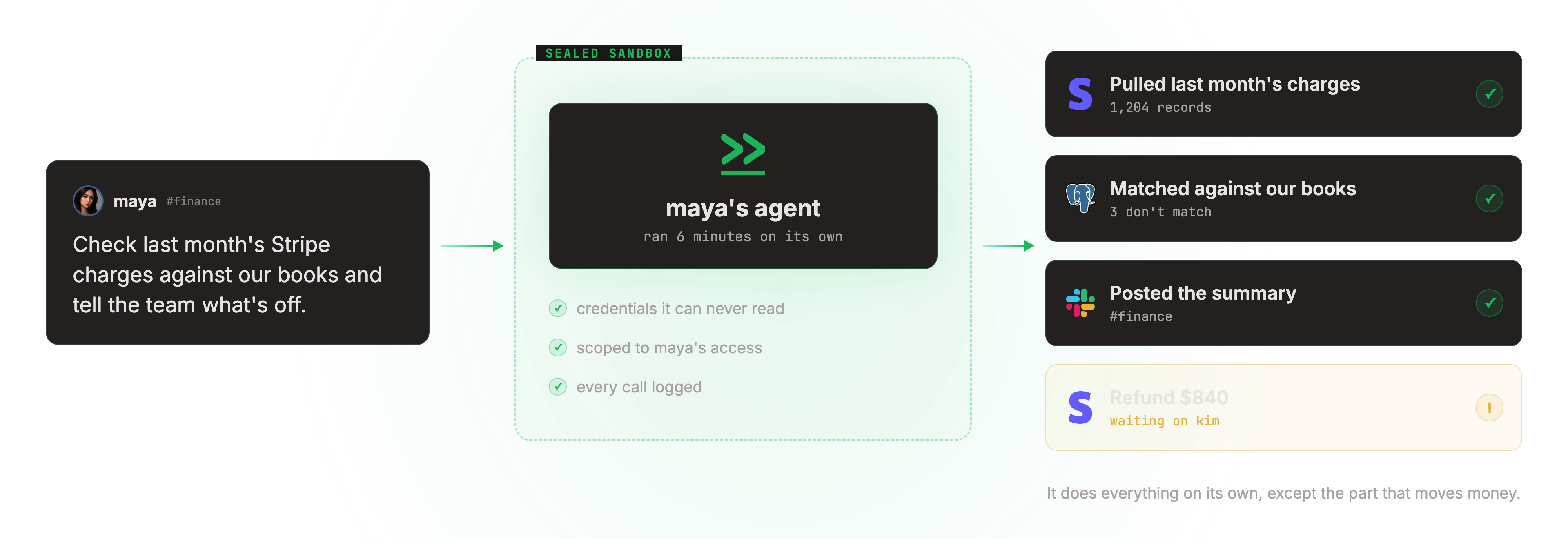
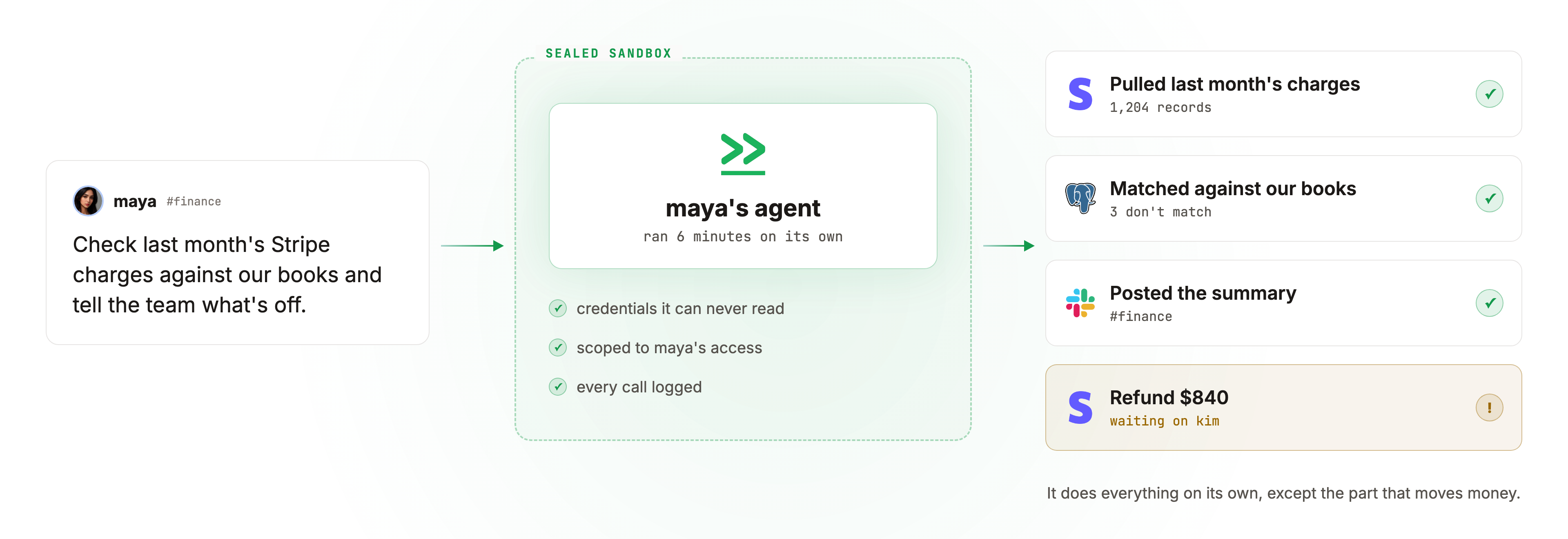
Delegate a task. Follow the work.
It opens the tools, does the work, and stops on its own when a step needs a human.
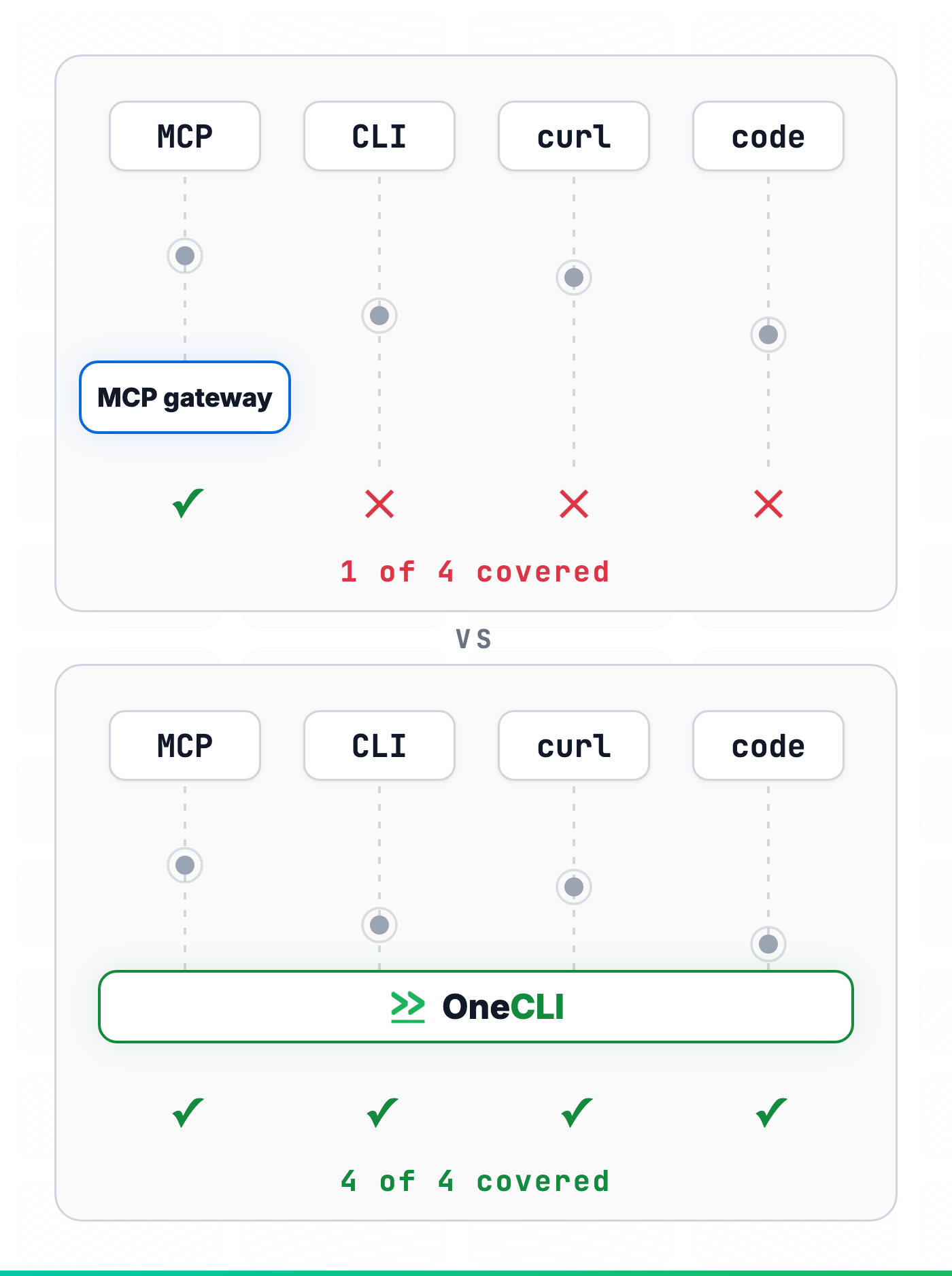
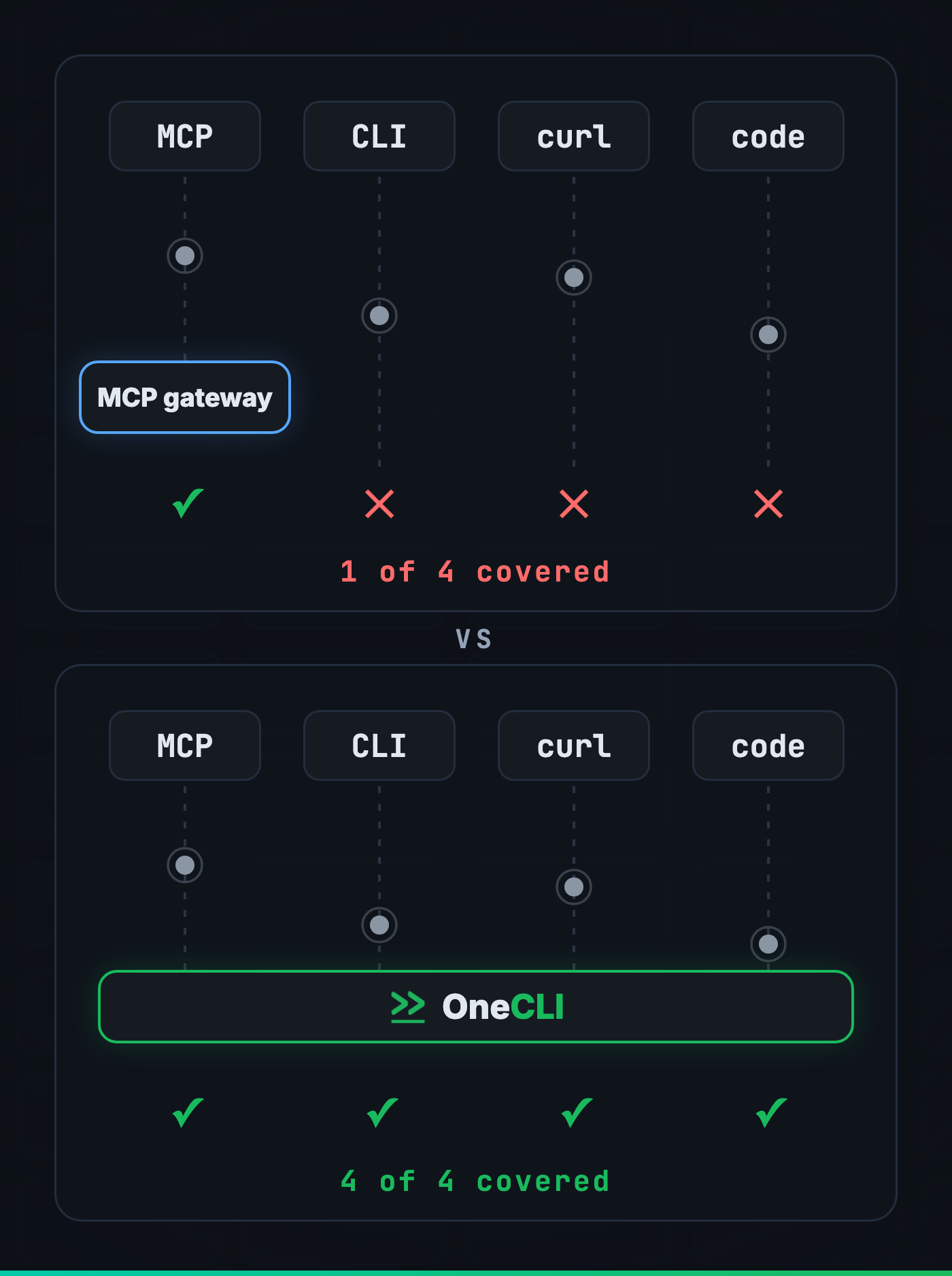
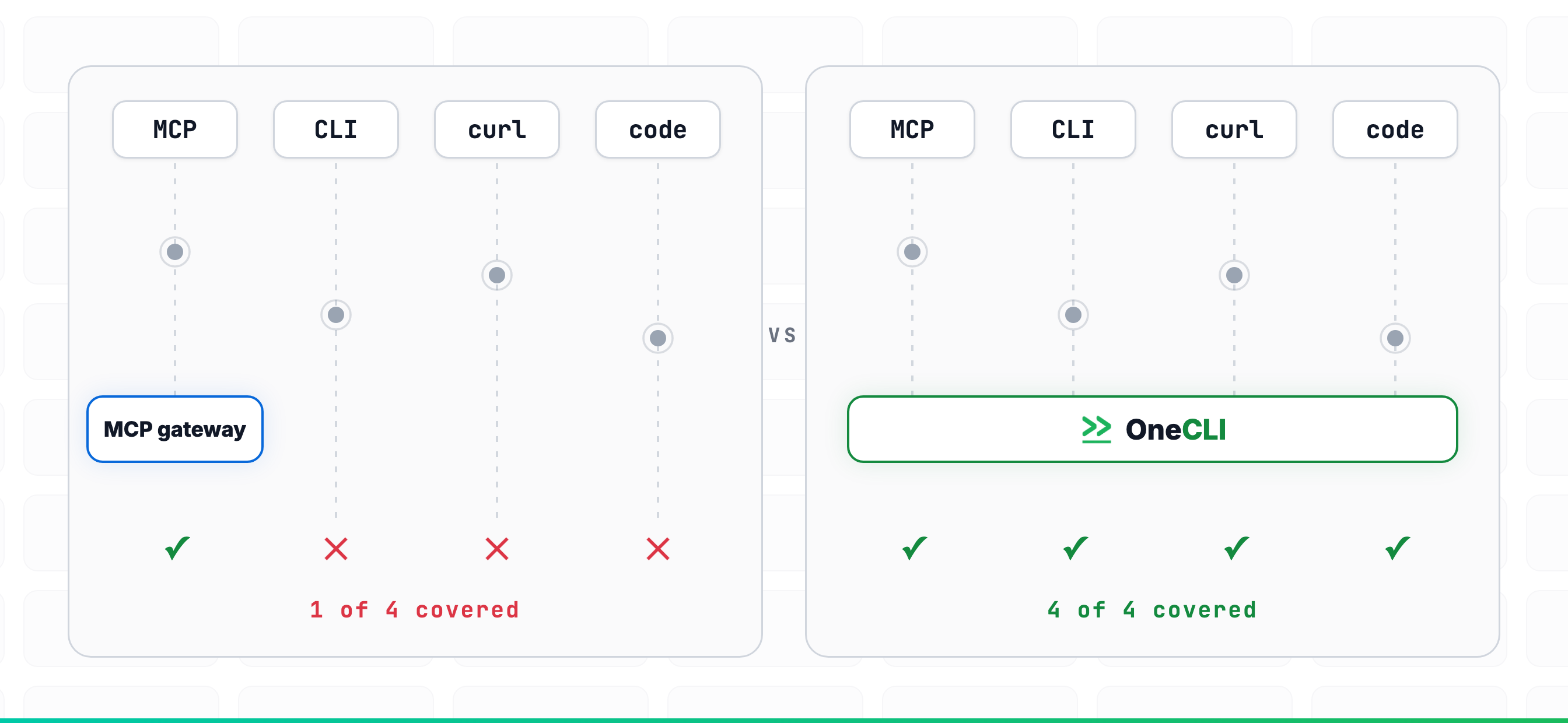
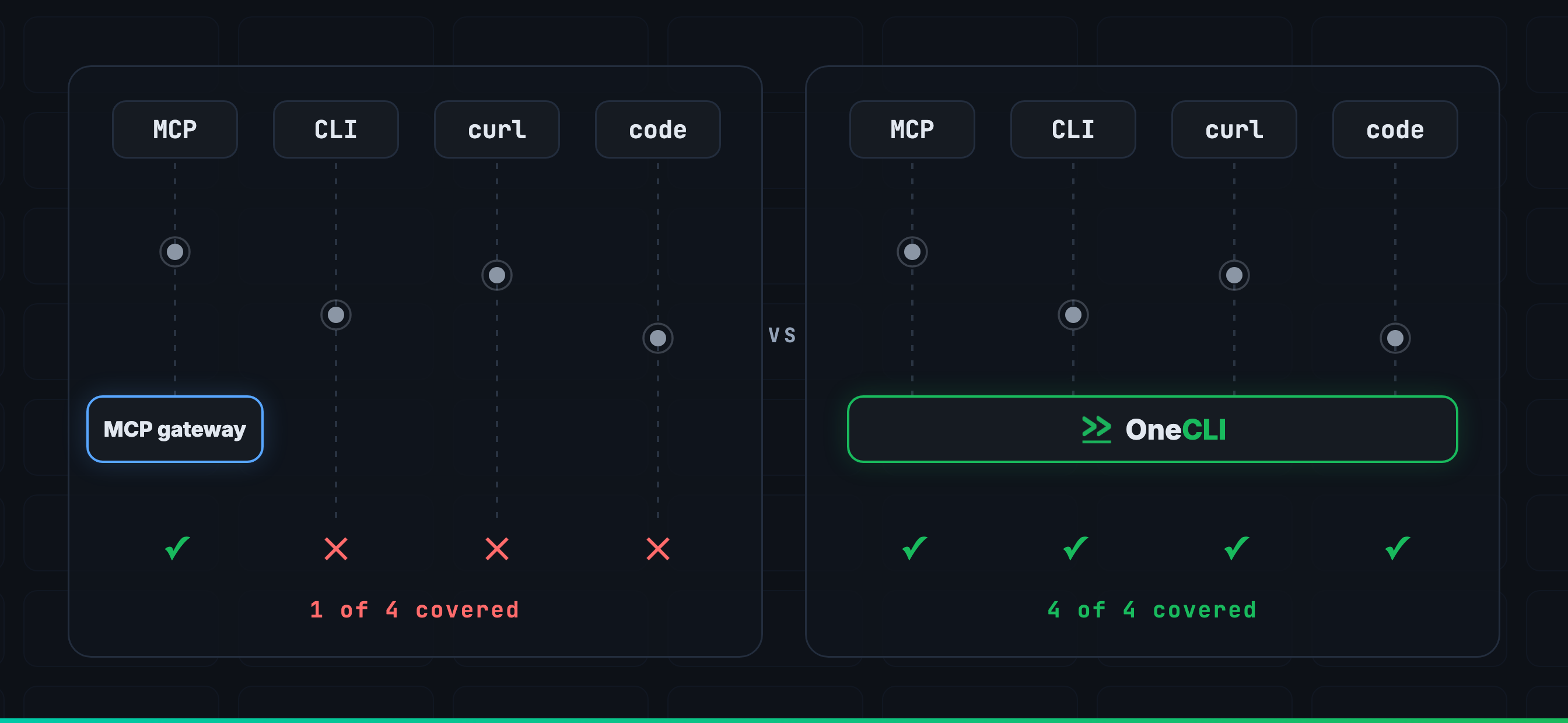
Your tools. More than one way to use them.
Agents can use connected MCP tools, run CLIs, call APIs, or write scripts to complete a task. The gateway applies your access rules to requests routed through it.
MCP tool calls
Connected tools and services
CLI commands
Commands available in the agent environment
curl and raw HTTP
A shell and a URL is still a request
The code the agent writes
Scripts written to complete a task
You decide what needs approval.
Let routine work continue. Pause the actions you choose for approval. See how configured rules allow, block, or hold a request below.
Keys stay in the vault
For connections managed through OneCLI, the gateway adds service credentials to outbound requests. Those credentials are not placed inside the agent environment. Access tokens and other data still need to be protected.
OPENAI_API_KEY=sk-proj-Xh4mQ2████████f8Kwonecli-managed ✓
STRIPE_SECRET_KEY=sk_live_51Hx8m████████Rq2vonecli-managed ✓
GITHUB_TOKEN=ghp_uV4nR7Tk████████p3Xzonecli-managed ✓
AWS_SECRET_ACCESS_KEY=aK9dPmXw████████L7Rqonecli-managed ✓
DATABASE_URL=postgres://acme:pg4s█████@db.acme.ioonecli-managed ✓
SLACK_BOT_TOKEN=xoxb-8214-Ju7wK████████m2Nponecli-managed ✓
ANTHROPIC_API_KEY=sk-ant-api03-R5kT████████v8Nqonecli-managed ✓
7keys exposed to agents
Want this for your environment?
Open source. Run it on your infrastructure.
Read the code, build your own skills, and self-host OneCLI. Or use the hosted app to get started.
Core code is Apache-2.0. Enterprise features have a separate license.
Get started
Give your team their first AI teammates.
Free plan with $5 in AI credits and 500 calls a month. No credit card required.