Compare
OneCLI vs Grok Bot
Grok Bot hires you new digital teammates, each with its own computer and its own logins. OneCLI gives every employee you already have an agent, and the sandbox holds no credentials at all.
UpdatedThe short version
Credit where it is due. Grok Bot's computer-use is real: it drives websites and desktop apps that have no API, learns a workflow by watching you do it once, and runs it on a schedule afterwards. None of that is in OneCLI, and for back-office work trapped in GUI-only tools it is the difference between automating the task and not. This page is about a different question: whose identity the agent carries, and where its credentials live.
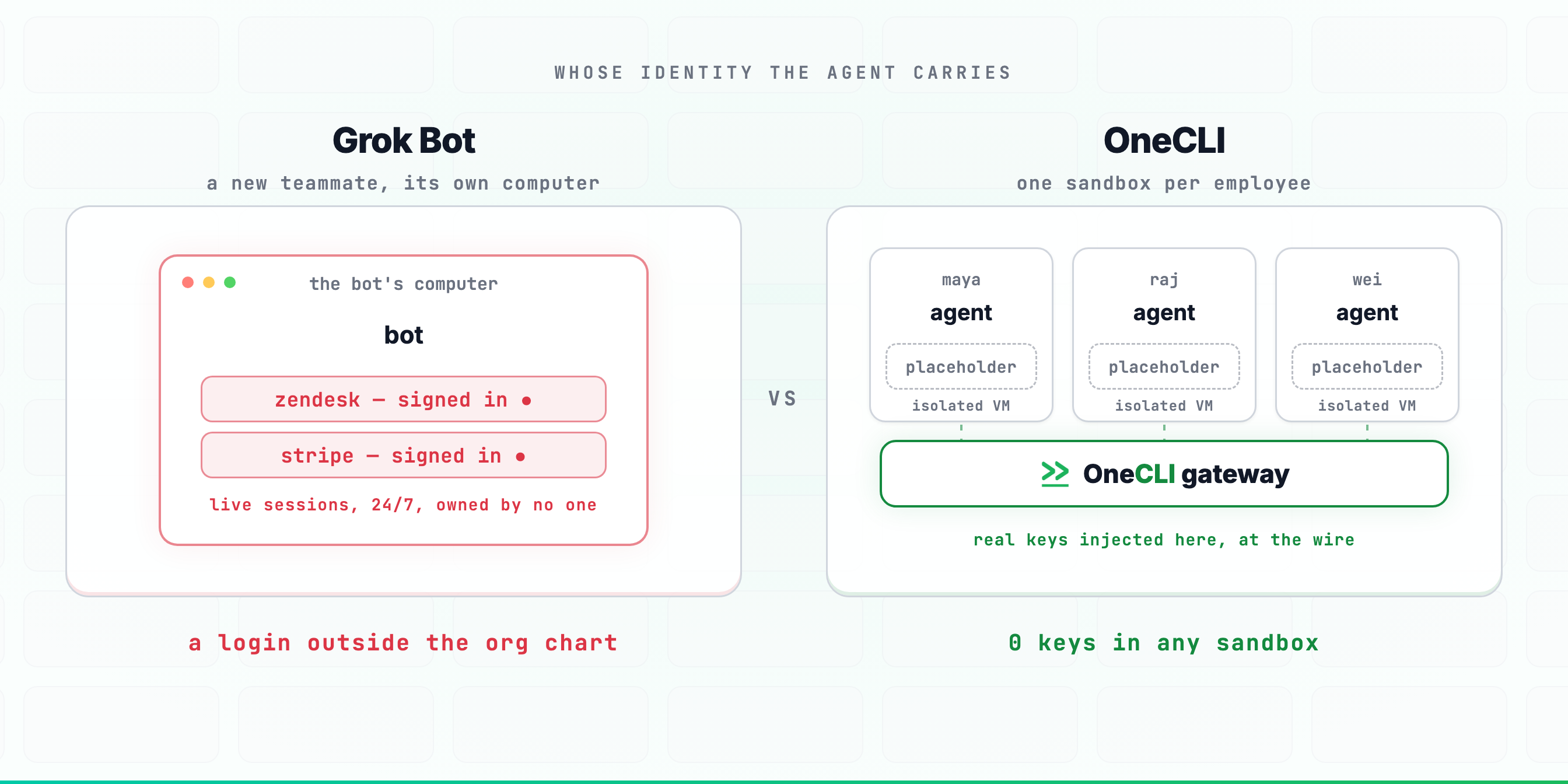
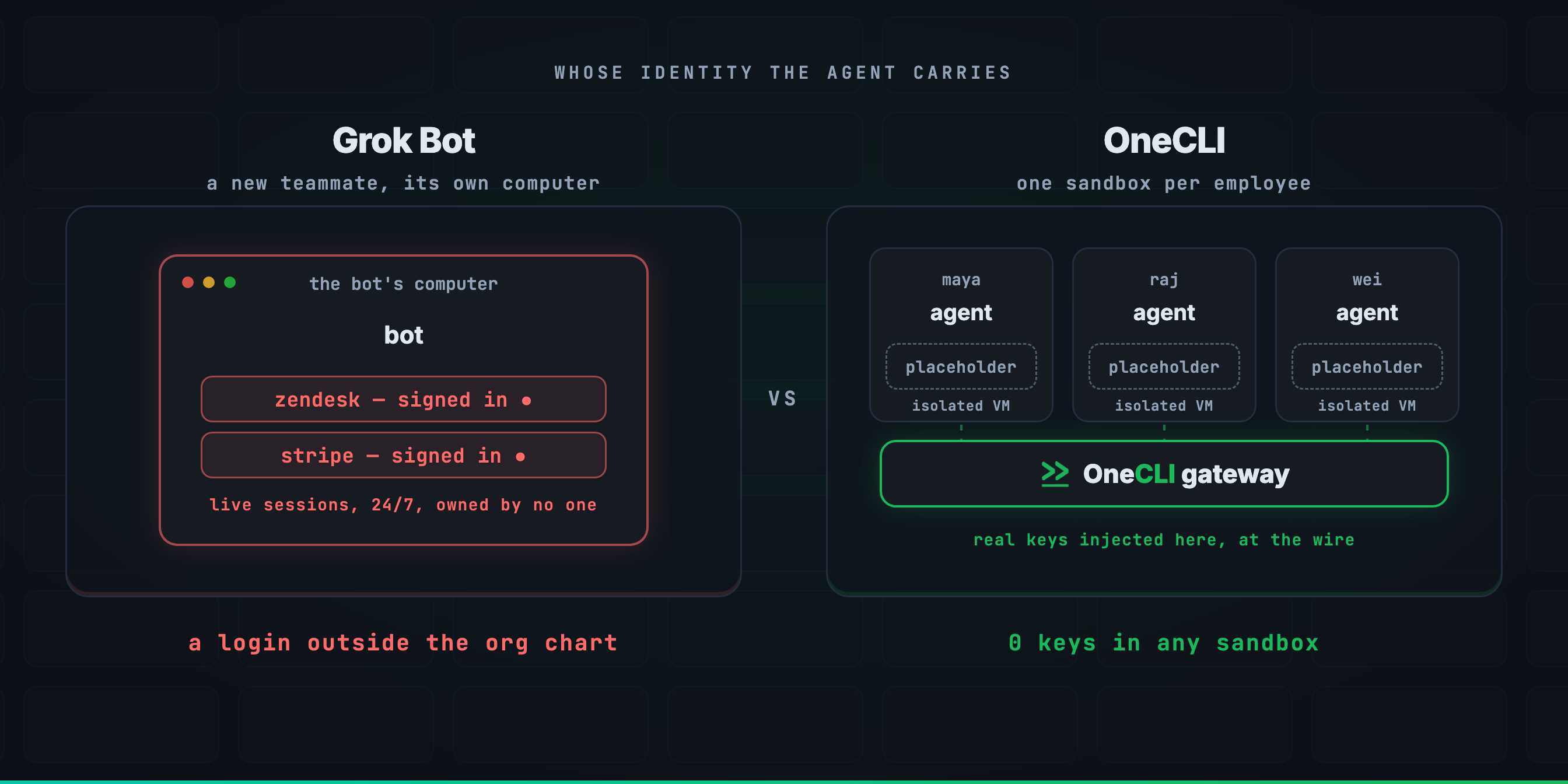
A new teammate versus an extension of one you have
Grok Bot's unit is the Bot: a new identity with its own computer, its own memory, and whatever access someone signed it into. The product page says it plainly: "sign in to Zendesk so I can work the support queue." That works, and it creates a login that belongs to no employee. When the person who set it up leaves, the Bot keeps working with the sessions it holds. When security asks who can reach the billing system, the honest answer now includes several teammates who do not appear in the org chart.
OneCLI's unit is the employee. Each person's agent reaches exactly what that person already has, through a gateway that injects credentials at the network boundary, per request. There is no new identity to provision, audit, or forget about. Revoke the person and their agent stops resolving credentials on the next request.
The box that never sleeps
"Bots have their own computer" is the feature, and it is also the exposure. For a Bot to use your tools like a human, that computer has to hold what a human's does: authenticated browser sessions, cookies, and whatever passwords were typed in during setup. It holds them around the clock, because working while your laptop is closed is the point. A prompt injection that lands on a machine like that has everything it needs already in hand. OneCLI's sandbox boots with placeholder credentials, model key included. The real secret is spliced in at the wire on the way out, so there is nothing on the box worth stealing at 3am or any other time, and every request passes a policy check that can allow, block, rate limit, or hold for a named human first.

The model
onecli
Your existing people: one agent per employee, each a scoped extension of its personGrok Bot
New digital headcount: Bots you hire, name, and assign a job toonecli
The employee's. The agent cannot reach anything its person could not reach directlyGrok Bot
The Bot's own. Its access is whatever accounts it was signed into, unrelated to any employee's permissionsonecli
Not covered. OneCLI agents work through APIs, CLIs, and MCP serversGrok Bot
Covered well. Bots drive websites and desktop apps with a mouse and keyboard, and learn workflows by demonstrationCredentials
onecli
Placeholders. Real keys injected at the network boundary per request, model key includedGrok Bot
Live logged-in sessions, cookies, and typed-in passwords on the Bot's computeronecli
Per request. A credential exists on the wire for one call and nowhere elseGrok Bot
Continuous. The Bot works 24/7, so its sessions are live around the clockonecli
Revoke the employee. Their agent stops resolving credentials on the next requestGrok Bot
Find every account each Bot was signed into and rotate or close itControl
onecli
At the network. Every request is evaluated, whatever produced it: MCP calls, CLI commands, curl, or code the agent just wroteGrok Bot
In the loop: Bots come back when your approval is needed, decided by the Botonecli
Allow, block, rate limit, or hold for a human, per request, by rule set onceGrok Bot
The Bot asks when it judges a step needs sign-offonecli
One log across every agent: who asked, what was called, what was injected, what was denied, tied to an employeeGrok Bot
Activity per Bot in the app, tied to a Botonecli
Cloud, or the whole system on your own infrastructure. Apache-2.0 outside the ee/ directoriesGrok Bot
Hosted only, closed source, on xAI's infrastructureonecli
Model-agnostic across 25+ providers, or bring your own keysGrok Bot
Grok, on xAI's serviceDay to day
onecli
Web, terminal, and SlackGrok Bot
Desktop and iOS apps built around messaging your Bots, plus multi-Bot threadsonecli
Skills and MCP servers, written once and inherited by every employee's agentGrok Bot
Watch-and-learn: do a workflow once in front of the Bot and it becomes a scheduled routineonecli
Paid per user and agent, with a free Apache-2.0 edition you can self-hostGrok Bot
$200/month per Bot on Cursor Ultra, $120/seat/month on Premium TeamsWhen to use which
Use Grok Bot when
- ·The work is trapped in GUI-only tools with no API, and computer-use is the only way in
- ·You want to teach by demonstration: do it once, let the Bot repeat it on a schedule
- ·The teammate model fits: a named Bot with a job, messaged from desktop or your phone
- ·You are all-in on Grok and want the deepest first-party agent xAI ships
Use OneCLI when
- ·An agent must never reach something its human could not reach directly
- ·Credentials must not sit on an always-on machine, live sessions included
- ·Someone has to answer which agent did what, in one log, tied to employees
- ·Some actions must be blocked or held for a human by rule, not by the agent's judgment
- ·You want to choose the model, or change it later, without changing platforms
- ·Self-hosting or reading the source is a requirement rather than a preference
Common questions
Isn't a Bot with its own computer just an employee with a laptop? We trust those.
What does Grok Bot do better?
Can OneCLI agents work around the clock too?
Grok Bot asks for approval before sensitive steps. Isn't that the same as your holds?
Could we run both?
Is the Bot identity model actually a problem?
The longer version of the enforcement argument is in why an MCP gateway cannot see most of what your agent does, the closest architectural cousin is OneCLI vs Claude Tag, and the shape of the product is on the product page.
Also compared
Try it
Be greedy about AI. Never about access.
$ curl -fsSL onecli.sh/install | sh