Why We Gave Every Agent a Computer
· Jonathan Fishner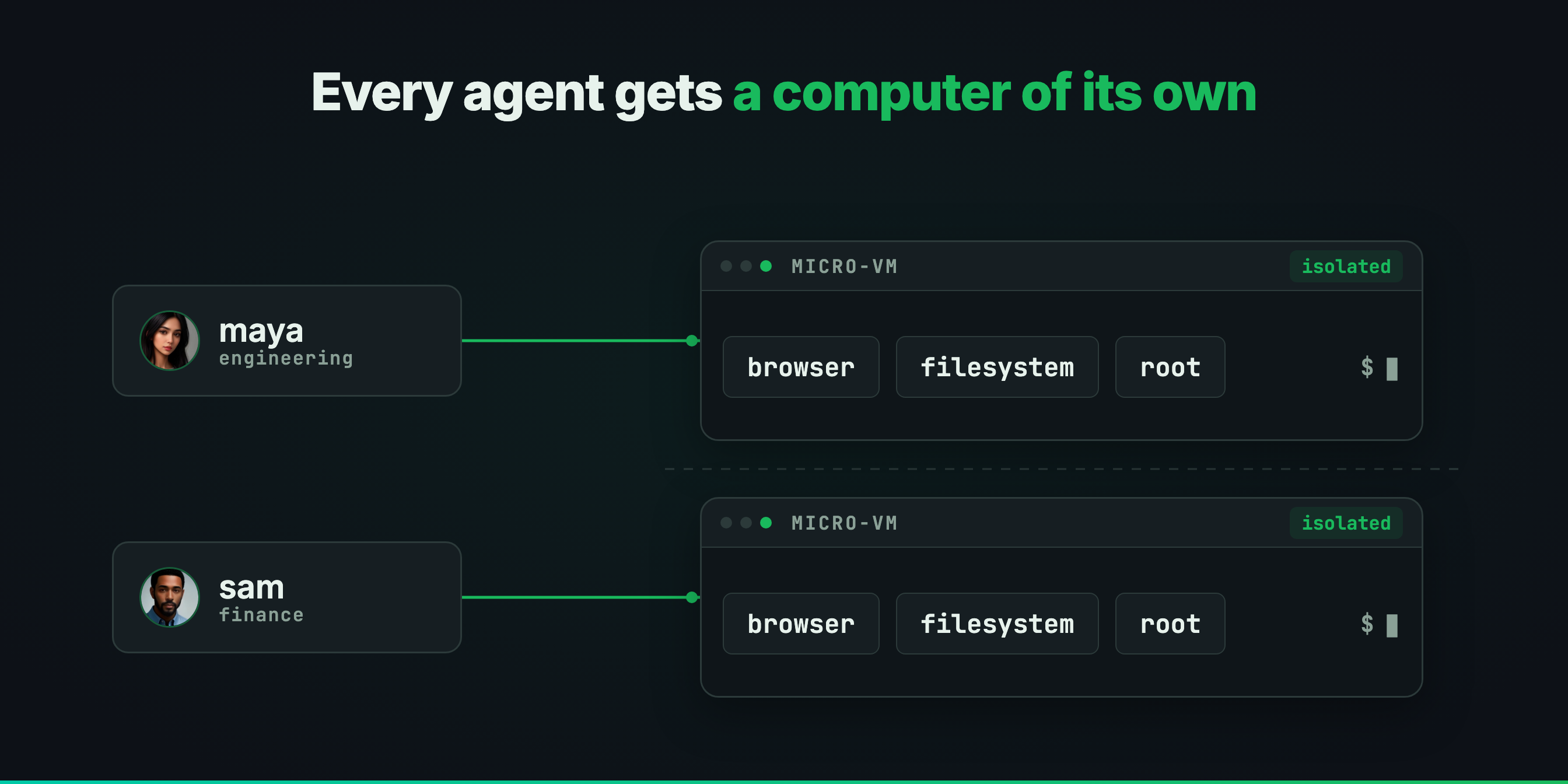
Every agent we shipped ran in a container. That was fine until people started asking for things we could not give them.
Containers were the obvious call (seriously)
Cheap, quick to start, and isolated from each other. Every agent got one, with the gateway acting as the Agents Vault for handling secrets. The agent could run commands, read and write files, and use the tools we had connected for it.
For a while that was enough.
Then people asked for more, so we built it
One request made it obvious. An engineer asked their agent to check out the repo, bring the whole stack up (yes, with the database as well), and say whether the feature actually worked. It cloned the code and stopped there. Nowhere to bring the PostgreSQL instance up, nothing to run the app in, no way to look at the result.
The container could run a process, but it was not somewhere you could run a complete application like a database. No browser. No display. That request ended the way they all did, with the agent explaining what it would do if it could, but without the work itself getting done.
Why we ended up with micro-VMs
We wanted three things and were not willing to trade any of them: a filesystem the agent owned, a browser it could drive, and isolation strong enough that we would be comfortable running it inside a customer's environment.
Getting the first two working is not hard. The third is why we could not take a shortcut. The more an agent can do, the more it matters that a mistake goes nowhere.
A container shares the host kernel. We were not comfortable with that being the only thing between an agent and everything else running on the machine.
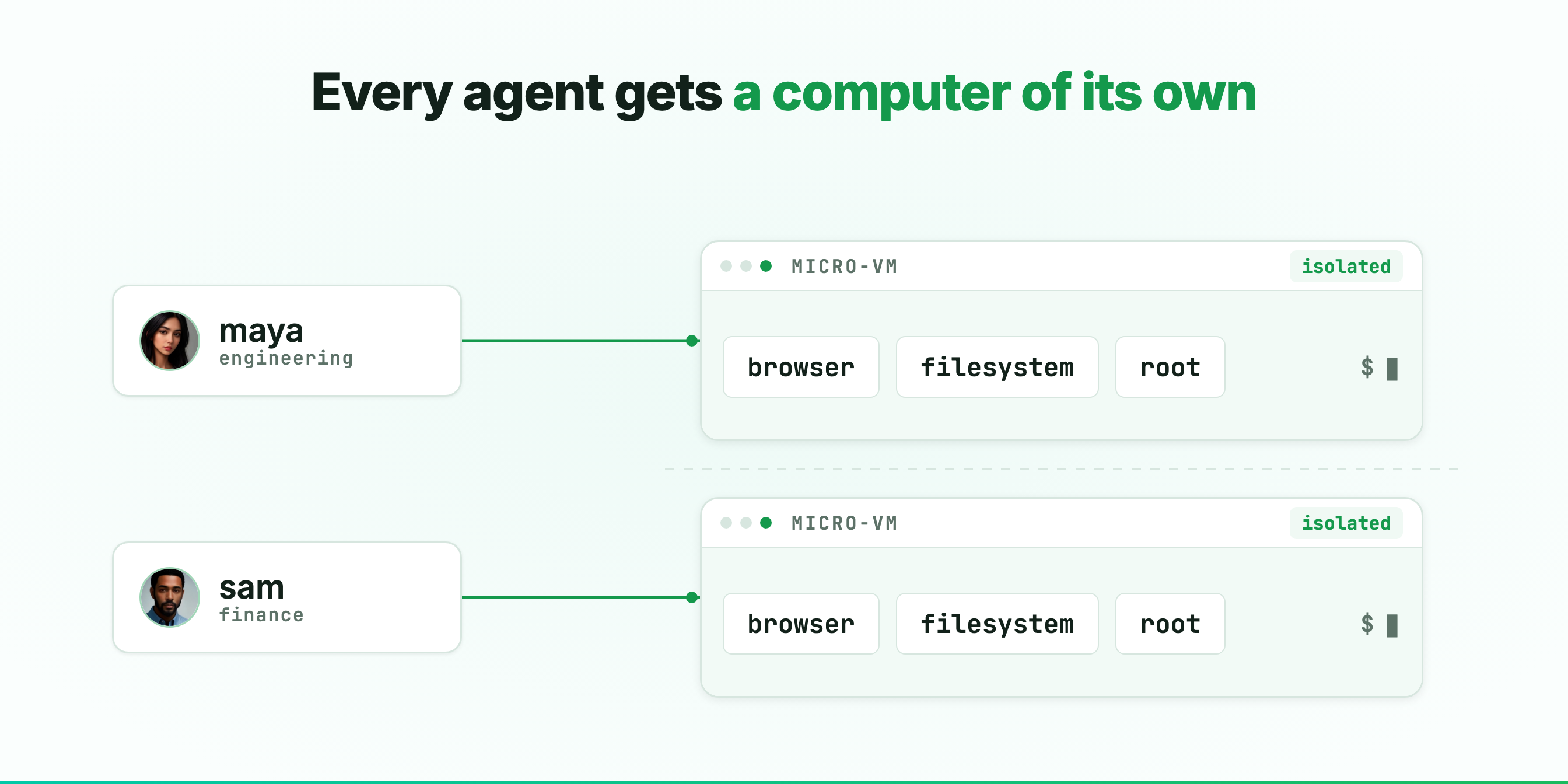
That is what we built. One micro-VM per agent on OneCLI Cloud, inside its sandbox. A real browser, a real filesystem, and root on that VM, not on yours. Nothing it does reaches another agent, another employee, or your systems. If it breaks something, it breaks only its own computer.
What changed once agents had that VM box
Groceries sound trivial and are the clearest example we have. Ask your agent to place your usual Instacart order and it opens the browser, fills the cart, and checks out. The better version does not need the list at all. Snap a photo of your fridge stocked the way you like it, then another once it needs restocking, and it works out what is missing. When your oat milk is out of stock it does not pick something random and hope. It shows you the closest match, waits, and finishes the order once you approve.
The other example is our own repo. We ask an agent to add an integration and it clones the code, brings the stack up with Postgres, Redis, and the app in containers, then writes the code that talks to the provider and sets up the login flow. Then comes the part that matters: it runs that flow against the real provider on its own computer, watches the callback land, and fixes whatever broke.
When it finishes it leaves its findings on the pull request and updates the ticket, so what reaches you has already been run against the real thing rather than only checked on paper.
Writing the connector was never what held us up. The slow part was always getting an environment where we could test it for real, and that is the part the agent took over. This is how we ship integrations now.
What we did not change
More capability meant the policy layer mattered more, not less. An agent that can only suggest things cannot do much damage. An agent with a browser and a filesystem can.
The computer is what lets it act. The policy layer is what decides how far. Sending an email, deleting a record, spending money: each one stops and asks. The rule is enforced outside the agent, so no prompt gets around it.
OneCLI Cloud is live and every agent on it has a computer of its own. Stop describing the job and hand it to your personal agent.