> ## Documentation Index
> Fetch the complete documentation index at: https://onecli.sh/docs/llms.txt
> Use this file to discover all available pages before exploring further.
# External Vaults: Connect Password Managers
> Connect OneCLI to Bitwarden and other password managers. Pull credentials from vaults you already use. Agents never see the secrets.
## Overview
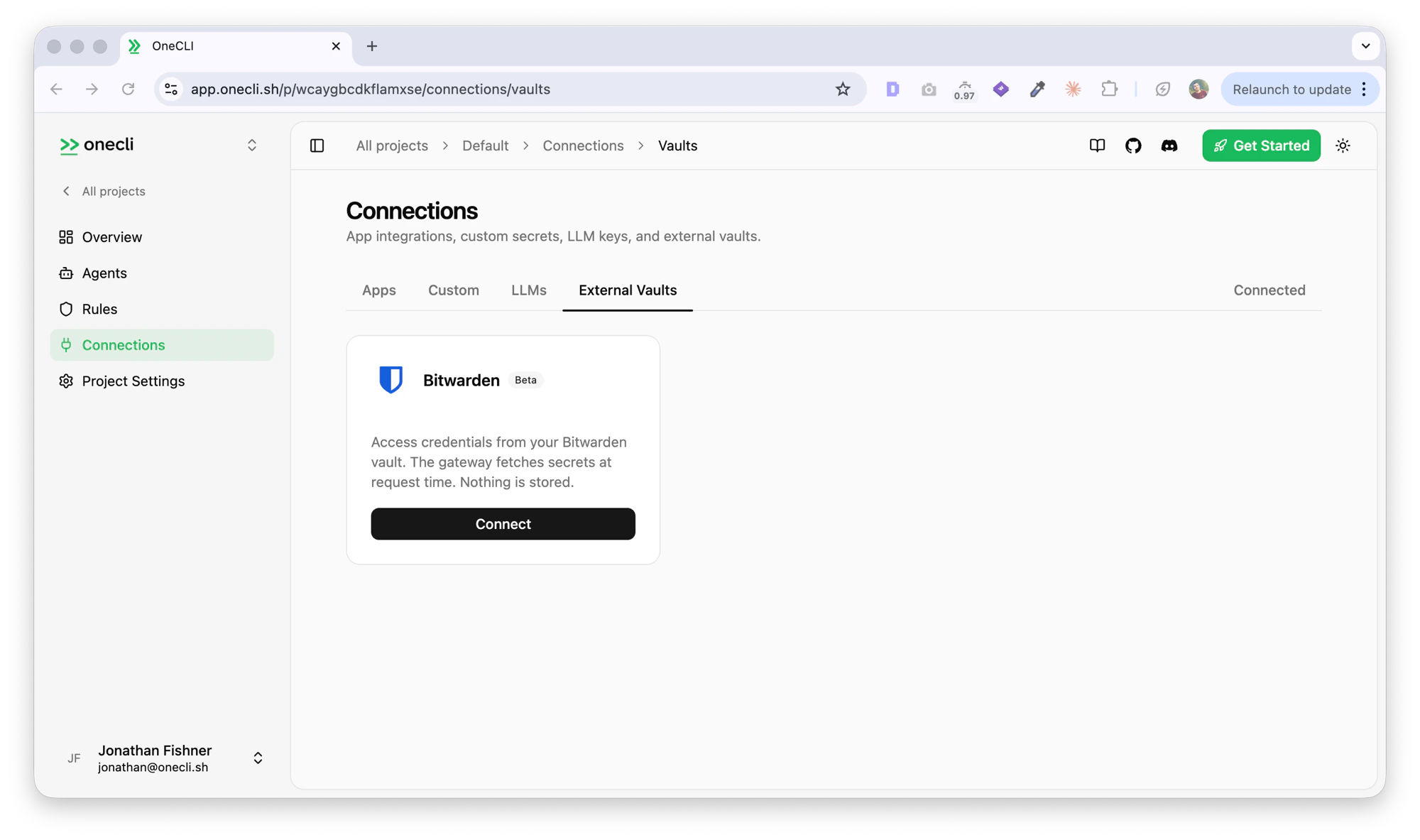
Vaults let the OneCLI gateway fetch credentials directly from your password manager at request time, without storing them on the server.
 ## How vaults work
When an agent makes an HTTPS request and no server-stored secret matches the target host, the gateway checks if the user has a paired vault. If so, it asks the vault for a credential by domain, injects it into the request, and caches it briefly in memory.
```
Agent ──► Gateway ──► Secret Store (check DB secrets)
│
│ no match
▼
Password Manager (fetch credential)
│
▼
Gateway ──► External Service (inject + forward)
```
Credentials never hit disk or the database. They're cached in gateway memory for 60 seconds, then discarded.
## Vaults vs server-stored secrets
| | Server-stored secrets | Vault credentials |
| ------------ | -------------------------- | ------------------------------------------ |
| **Storage** | Encrypted in database | Stay in your password manager |
| **Priority** | Checked first | Fallback when no DB secret matches |
| **Setup** | Add via dashboard | One-time pairing with the vault app |
| **Rotation** | Manual update in dashboard | Automatic (always reads latest from vault) |
Use server-stored secrets for stable, shared credentials. Use vaults for personal credentials, frequently rotated keys, or when you don't want secrets leaving your password manager.
## Supported providers
Connect your Bitwarden vault via the Agent Access SDK. Credentials are fetched through an encrypted Noise protocol channel.
Connect your 1Password vault via Service Accounts. Map hostnames to op\:// references and resolve secrets at runtime.
## How vaults work
When an agent makes an HTTPS request and no server-stored secret matches the target host, the gateway checks if the user has a paired vault. If so, it asks the vault for a credential by domain, injects it into the request, and caches it briefly in memory.
```
Agent ──► Gateway ──► Secret Store (check DB secrets)
│
│ no match
▼
Password Manager (fetch credential)
│
▼
Gateway ──► External Service (inject + forward)
```
Credentials never hit disk or the database. They're cached in gateway memory for 60 seconds, then discarded.
## Vaults vs server-stored secrets
| | Server-stored secrets | Vault credentials |
| ------------ | -------------------------- | ------------------------------------------ |
| **Storage** | Encrypted in database | Stay in your password manager |
| **Priority** | Checked first | Fallback when no DB secret matches |
| **Setup** | Add via dashboard | One-time pairing with the vault app |
| **Rotation** | Manual update in dashboard | Automatic (always reads latest from vault) |
Use server-stored secrets for stable, shared credentials. Use vaults for personal credentials, frequently rotated keys, or when you don't want secrets leaving your password manager.
## Supported providers
Connect your Bitwarden vault via the Agent Access SDK. Credentials are fetched through an encrypted Noise protocol channel.
Connect your 1Password vault via Service Accounts. Map hostnames to op\:// references and resolve secrets at runtime.